Film Guides / Film formats and cinema tech
How cinema projection works
From carbon arcs and film reels to DCPs, encryption keys and laser projectors, here is how a film gets from the distributor to the screen.
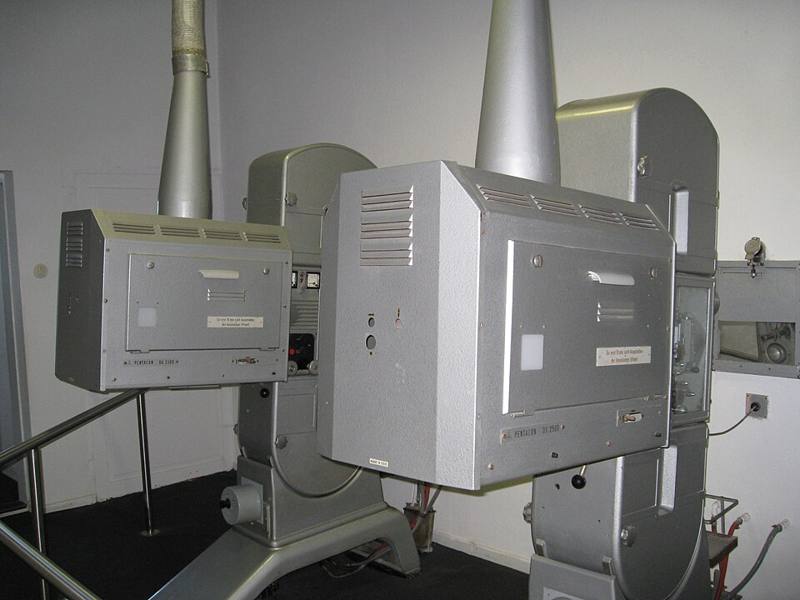
Behind the small window at the back of every auditorium is the projection booth. For most of cinema history it held hot, noisy film projectors run by a skilled projectionist. Today it usually holds a digital projector and a server, often run automatically from the cinema's central system.
Film projection basics
A film projector shows each frame for a fraction of a second, blocks the light while the film moves to the next frame, then shows the next one. Key parts:
- Light source: carbon arc lamps for decades, then xenon arc lamps from the 1950s and 1960s onward.
- Intermittent mechanism: pulls the film down one frame at a time and holds it still, traditionally with a device called a Maltese cross or Geneva drive.
- Shutter: a spinning blade that blocks light during each move and also flashes each frame two or more times to avoid visible flicker. At 24 frames per second, a two-bladed shutter gives 48 flashes per second. See frame rates.
- Lens: different lenses for flat and anamorphic scope films.
- Sound reader: reads the optical or digital soundtrack on the film.
Reels, changeovers and platters
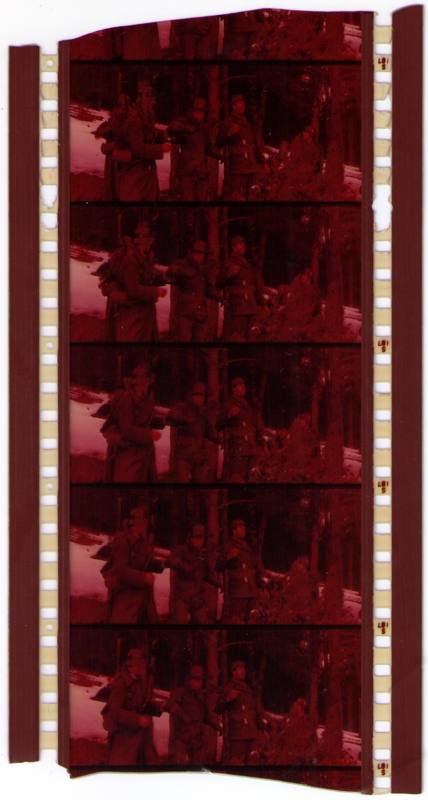
A feature film was delivered on several reels of about 20 minutes each. Originally a booth had two projectors, and the projectionist switched from one to the other at the end of each reel. Small circles printed in the corner of the frame near the end of each reel warned the projectionist that a changeover was coming.
From the late 1960s, platter systems allowed the whole film to be spliced into one large roll lying flat on a horizontal plate, so one projector could run an entire show. This made multiplex cinemas with many screens practical.
The digital switch
Digital cinema projection spread quickly from the mid-2000s, guided by the Digital Cinema Initiatives (DCI) specification published by the major Hollywood studios. Most cinemas in major markets had converted by the early-to-mid 2010s.
| 35mm film | Digital cinema | |
|---|---|---|
| Delivery | Heavy reels in cans | A DCP on a hard drive or by network transfer |
| Resolution | Depends on print quality and generation | 2K (2048 x 1080) or 4K (4096 x 2160) |
| Wear | Scratches and dust build up with each showing | Identical every time |
| Cost per copy | High per print | Very low per copy |
| Security | Physical control of prints | Encrypted files that need a key |
The DCP and the key
A film is delivered as a DCP (Digital Cinema Package), a set of files with image frames compressed in JPEG 2000, uncompressed audio, subtitles and playlists. The content is usually encrypted. To play it, the cinema needs a KDM (Key Delivery Message), a small file that unlocks the film for one specific server and only during the booked dates and times. This is why films can open in cinemas around the world at the same moment without copies leaking early.
Xenon and laser
Most early digital projectors used xenon lamps that dimmed with age and needed replacing. Laser projectors have spread since the mid-2010s. They stay bright longer, show a wider range of colors and can deliver higher contrast. Premium formats such as IMAX and Dolby Cinema use laser systems.
What still matters in the booth
Even with automation, presentation quality depends on people:
- Correct brightness: digital cinema standards define a target screen brightness, and an aging lamp or wrong setting can leave the picture dim.
- Correct masking and lens so the image fills the screen without being cropped. See aspect ratios.
- Correct 3D and sound settings.
If the picture is out of focus, cropped or very dark, tell cinema staff early in the screening. It is usually a quick fix in the booth.